
Cloud Print Migration Strategy: Moving Beyond Local Print Servers
Traditional Windows print servers have served organizations well for decades, but modern cloud-based print architectures offer significant advantages in scalability, security, and management efficiency. This comprehensive guide explores the strategic and technical considerations for migrating your organization from legacy print server infrastructure to contemporary cloud print solutions.
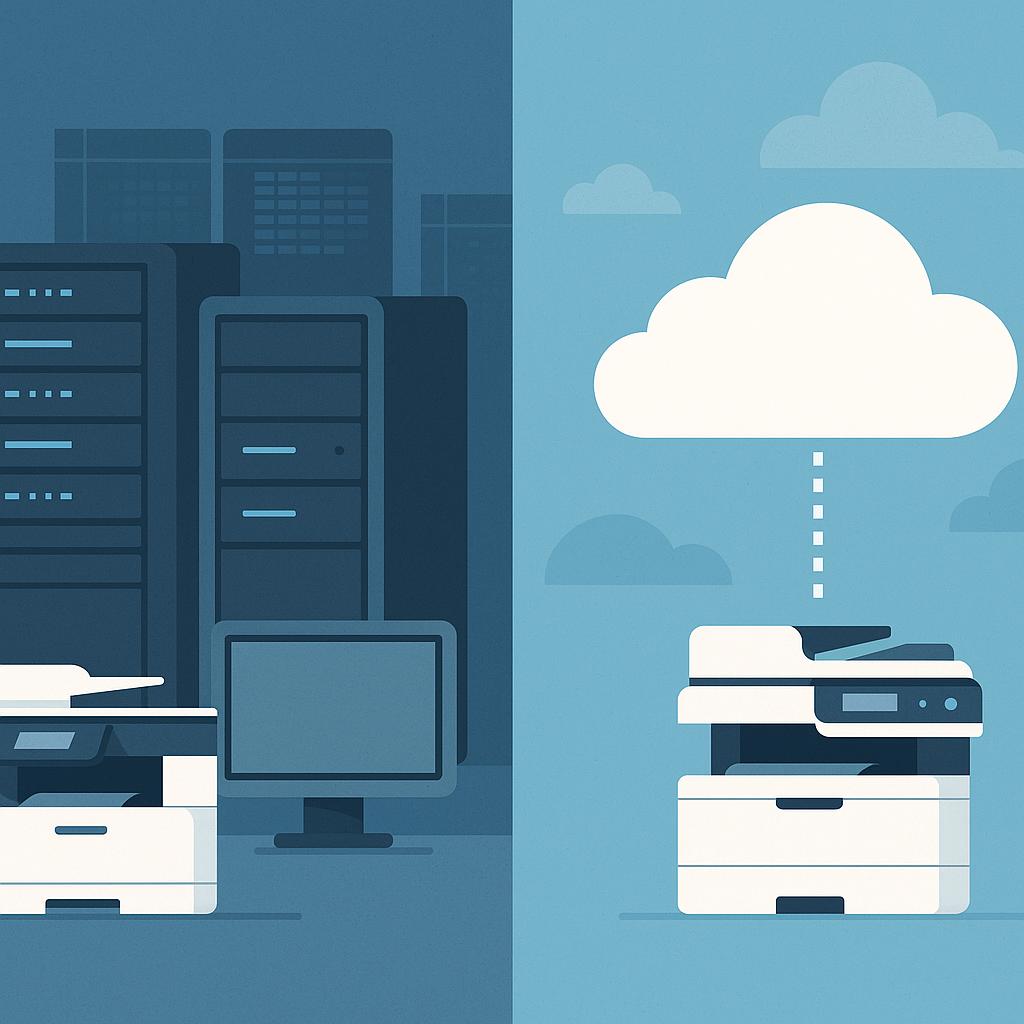
Understanding the Print Server Evolution
Legacy Print Server Architecture
Traditional Windows print server deployments centralize all printer management on dedicated servers. This approach includes:
- Centralized Management: All printer drivers and configurations managed from a single server
- Local Network Dependency: Printers and clients must be on the same network segment
- Manual Driver Management: IT teams manually deploy and update drivers
- Limited Scalability: Server capacity constraints limit the number of managed printers
- Maintenance Burden: Requires regular patching, updates, and hardware maintenance
Cloud Print Architecture Benefits
Modern cloud print solutions address legacy limitations:
- Location Independence: Manage printers across multiple office locations and remote workers
- Automatic Updates: Cloud platforms handle driver and firmware updates automatically
- Scalability: Support unlimited printer deployments without server capacity concerns
- Enhanced Security: Cloud providers implement enterprise-grade security controls
- Reduced IT Overhead: Eliminate server maintenance and infrastructure management
- Mobile Support: Enable printing from mobile devices and remote locations
Cloud Print Platform Comparison
Microsoft Universal Print
Microsoft's cloud-native print solution integrated with Azure and Microsoft 365:
- Integration: Native integration with Azure AD, Intune, and Microsoft 365
- Deployment: Connector-based architecture for on-premises printer connectivity
- Cost Model: Licensing through Microsoft 365 subscriptions
- Best For: Organizations with existing Microsoft 365 investments
- Security: Azure AD authentication and Intune device management
PrinterLogic
Enterprise print management platform with advanced policy and analytics capabilities:
- Architecture: Cloud-based management with local print server agents
- Features: Advanced print policies, cost tracking, and usage analytics
- Deployment: Flexible hybrid model supporting on-premises and cloud
- Best For: Large enterprises requiring granular print policies
- Scalability: Supports thousands of printers across multiple locations
PaperCut
Print management and cost recovery solution with strong reporting capabilities:
- Focus: Print cost management, tracking, and chargeback
- Deployment: On-premises or cloud-hosted options
- Features: Advanced reporting, quota management, and user accounting
- Best For: Organizations prioritizing print cost control
- Integration: Works with existing printer infrastructure
| Feature | Universal Print | PrinterLogic | PaperCut |
|---|---|---|---|
| Cloud Native | Yes | Hybrid | Optional |
| Cost Tracking | Basic | Advanced | Advanced |
| Policy Management | Basic | Advanced | Moderate |
| Mobile Support | Yes | Yes | Yes |
| Azure AD Integration | Native | Available | Available |
| Multi-Location Support | Yes | Yes | Yes |
Migration Planning and Strategy
Phase 1: Assessment and Planning
Before beginning migration, conduct a comprehensive assessment:
- Inventory Current Infrastructure: Document all printers, print servers, and drivers
- Identify Dependencies: Map applications and workflows dependent on print servers
- Analyze Usage Patterns: Review print volumes, peak usage times, and user locations
- Evaluate Security Requirements: Identify compliance and security constraints
- Assess Network Readiness: Verify network capacity and connectivity for cloud services
- Define Success Metrics: Establish KPIs for migration success
Phase 2: Pilot Deployment
Start with a limited pilot to validate the chosen platform:
- Select Pilot Group: Choose 1-2 departments or office locations for initial deployment
- Deploy Cloud Connector: Install cloud platform connectors in pilot environment
- Migrate Pilot Printers: Move selected printers to cloud management
- User Training: Provide training to pilot users on new print workflows
- Monitor and Optimize: Track performance, user feedback, and issue resolution
- Document Lessons Learned: Capture insights for full-scale deployment
Phase 3: Full-Scale Migration
Execute migration across the entire organization:
- Phased Rollout: Migrate departments or locations in planned waves
- Parallel Operation: Run legacy and cloud systems simultaneously during transition
- User Communication: Keep users informed about migration timeline and changes
- Support Escalation: Establish support procedures for migration-related issues
- Decommission Legacy Systems: Retire print servers after successful migration
- Post-Migration Optimization: Fine-tune cloud configuration based on production usage
Technical Migration Considerations
Network Architecture
Cloud print solutions require proper network configuration:
- Cloud Connector Placement: Deploy connectors on the same network segment as printers
- Firewall Rules: Configure outbound HTTPS connectivity for cloud communication
- DNS Configuration: Ensure proper DNS resolution for cloud service endpoints
- Bandwidth Planning: Account for increased cloud API traffic
- Network Segmentation: Consider VLAN isolation for printer networks
Printer Compatibility
Verify printer compatibility with chosen cloud platform:
- Supported Models: Confirm all printers are supported by cloud platform
- Firmware Updates: Update printer firmware to latest versions
- Driver Support: Verify universal driver availability for all printer models
- Legacy Printers: Plan replacement or workarounds for unsupported models
- Multifunction Devices: Ensure scanning and copying features are supported
User Authentication
Implement proper authentication mechanisms:
- Directory Integration: Connect cloud platform to Active Directory or Azure AD
- Single Sign-On: Enable SSO for seamless user authentication
- Multi-Factor Authentication: Implement MFA for enhanced security
- User Provisioning: Automate user account creation and deprovisioning
- Permission Management: Define granular permissions for printer access
Risk Mitigation and Contingency Planning
Common Migration Challenges
Anticipate and plan for potential issues:
- Driver Compatibility Issues: Some legacy applications may require specific drivers
- Network Connectivity Problems: Cloud services depend on reliable internet connectivity
- User Resistance: Staff may resist changes to familiar print workflows
- Legacy Application Support: Older applications may not support cloud print solutions
- Compliance Requirements: Certain industries have specific print security requirements
Contingency Strategies
Develop fallback plans for critical scenarios:
- Hybrid Operation: Maintain legacy print servers during transition period
- Fallback Printers: Configure local USB-attached printers as backup
- Internet Redundancy: Implement multiple internet connections for cloud service access
- Rollback Procedures: Document procedures to revert to legacy systems if needed
- Support Escalation: Establish vendor support agreements for rapid issue resolution
Post-Migration Optimization
Performance Monitoring
Continuously monitor cloud print infrastructure:
- Print Job Success Rates: Track successful vs. failed print jobs
- Job Processing Time: Monitor print job submission to completion time
- User Satisfaction: Gather feedback on print experience and reliability
- System Utilization: Track cloud platform resource usage and capacity
- Cost Analysis: Monitor cloud service costs and ROI
Continuous Improvement
Optimize cloud print operations over time:
- Policy Refinement: Adjust print policies based on usage patterns
- Printer Consolidation: Eliminate underutilized printers
- Driver Updates: Keep printer drivers current with latest versions
- Security Hardening: Implement additional security controls as needed
- Cost Optimization: Review licensing and identify cost-saving opportunities
Conclusion
Cloud print migration represents a strategic investment in modern IT infrastructure. By carefully planning the migration, selecting the appropriate platform, and executing a phased rollout, organizations can successfully transition from legacy print servers to scalable, secure, and manageable cloud print architectures.
The choice between Microsoft Universal Print, PrinterLogic, PaperCut, and other solutions depends on your organization's specific requirements, existing technology investments, and strategic priorities. Each platform offers distinct advantages for different organizational contexts.
Whether your organization prioritizes seamless Microsoft 365 integration, advanced print policy management, or comprehensive cost tracking, cloud print solutions offer significant improvements over traditional print server infrastructure.
Need Help with Cloud Print Migration?
Avenqube LLC provides expert consulting services for cloud print migration planning and implementation. Our team helps organizations evaluate platforms, plan migrations, and optimize cloud print infrastructure.
Contact Our Consulting Team